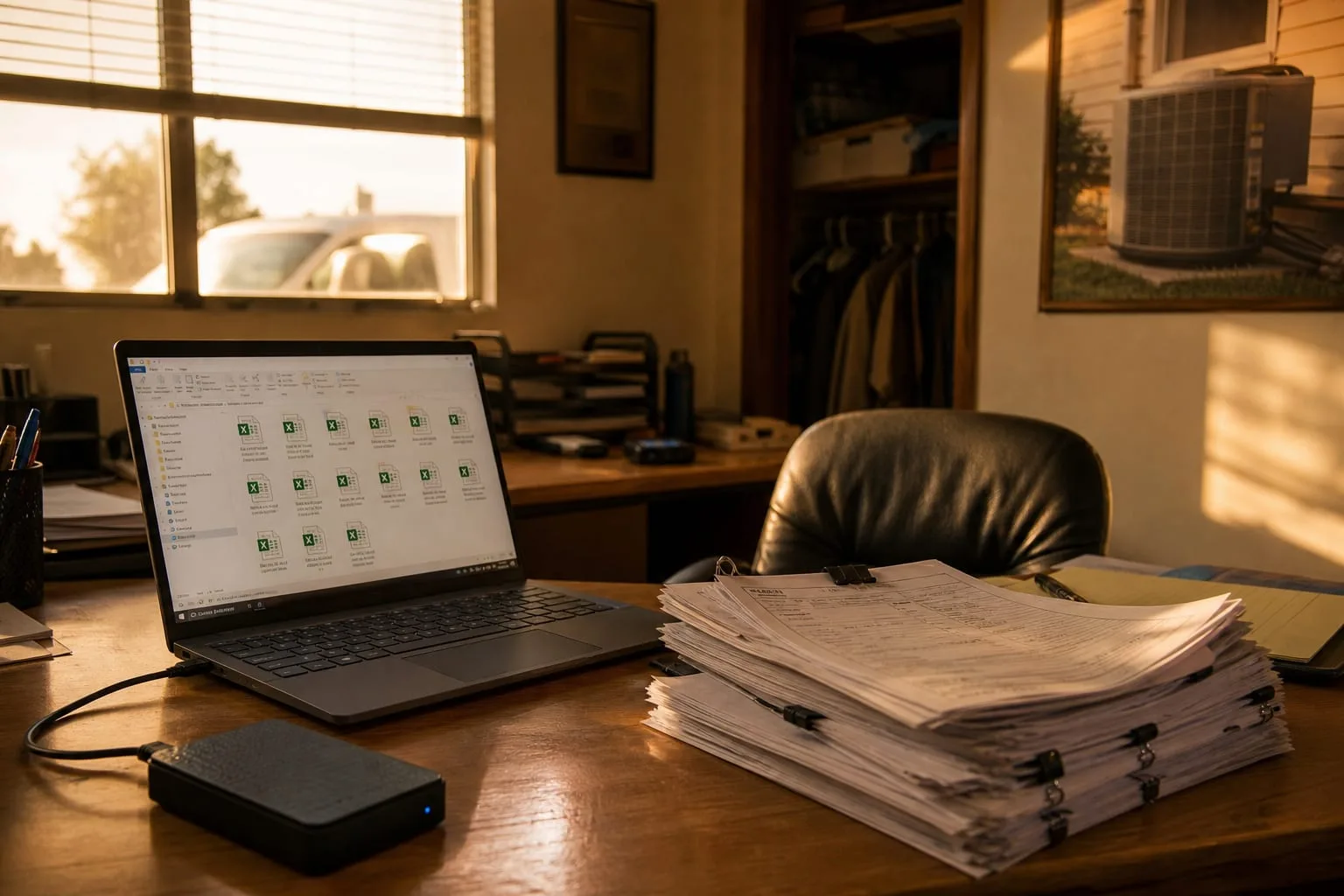
The company had eighteen trucks, a dispatcher, two people in the office, and nine years of job history inside one field service platform. They had decided to move. The new system was cheaper per seat, the reporting was better, and the owner had already signed. When someone asked whether the old data would come with them, the answer from the outgoing vendor was accurate and completely unhelpful: yes, you can export all your data at any time.
That sentence is true in almost every business software contract written in the last decade. It is also the single most misunderstood sentence in the whole document. The gap between what an export button produces and what a nine-year-old account actually contains is where migrations go sideways, and it is predictable enough that you can plan around it before you cancel anything.
What the export produced, and why it looked so thin
The export ran in about four minutes and delivered a zip file of CSV files. A CSV is a plain text spreadsheet, one row per record, and it is the lowest common denominator of data exchange. There was a customers file, a locations file, an invoices file, a line items file, an estimates file, a jobs file, and a dozen smaller ones.
The customers file looked fine. The jobs file looked wrong. Every job row referenced a customer by a long numeric ID, a location by another ID, a technician by another, and an invoice by another. Nowhere in the jobs file was there a customer name.
This is not a defect. It is the shape of the underlying database. Business software stores each fact once and points at it from everywhere else, so that changing a customer's phone number changes it in one place rather than eleven thousand. The export is a snapshot of those tables, IDs and all. When the vendor says you can export all your data, they mean exactly that: the tables, as stored, in the vendor's own internal numbering.
The practical consequence is that the export is not a set of records a human can read. It is a set of parts that has to be reassembled, and the reassembly is the work. Anyone who has done this more than twice stops looking at the file count and starts looking for the join keys, meaning the ID columns that let two files be stitched back together. If the export includes them, the migration is a weekend of careful mapping. If it does not, you are retyping.
The parts that were never rows to begin with
Here is what the four-minute export did not include: the photographs technicians took of rusted heat exchangers, the signed work orders, the PDF copies of invoices as they were actually sent, the equipment manuals uploaded to individual locations, and the scanned permits. Roughly nine years of attachments.
Files behave differently from rows. The database does not hold the photo; it holds a pointer to the photo, which lives in cloud storage under a name like a long random string. The CSV faithfully exported the pointer. The pointer was useless outside the platform, because retrieving the actual file required an authenticated request to the vendor's servers, one file at a time.
That is the moment a migration stops being an afternoon and becomes a project. Attachments come out through the vendor's application programming interface, the API, which is the machine-to-machine door into the system. APIs are rate limited, meaning they will only answer a certain number of requests per minute. Pulling tens of thousands of files through a rate-limited door takes days of a script running unattended, and it takes someone who can write that script.
The company found a middle path. They sorted locations by whether the equipment was still under warranty or still on a maintenance agreement, pulled attachments for those first, then let the script grind through the rest of the archive in the background while the new system went live. Priority order is the whole trick. You almost never need all of it on day one, and you almost always need a specific slice of it immediately.
Current state came out. History did not
The third surprise was the quietest. The export contained the current version of every record. It did not contain the versions before that.
An invoice that had been issued at one amount, disputed, credited, and reissued exported as one invoice at the final amount. The notes timeline showing who changed what and when was visible in the platform's interface and absent from the export files. Same with the dispatch history: the export said which technician was assigned to a job, not the three reassignments before that.
The reason is structural. Audit trails and change logs are usually stored separately from the records themselves, often in a different system, and they are almost never part of a standard customer export. Vendors are not hiding them. They were built for internal troubleshooting and for the vendor's own support staff, and nobody wrote an export routine for them.
This matters for one specific reason, and it is worth being blunt about it. Your obligation to keep business records does not transfer to a software company. The IRS is responsible for the record retention rules that apply to your books, and those rules follow the business, not the vendor. If your invoicing history for a prior year lives only inside a platform you are about to stop paying for, you have a problem that is yours alone.
What the company did was straightforward and I would recommend it to anyone. Before canceling, they generated the reports they would actually want in an audit or a dispute, year by year, as PDFs, and filed them in the same folder structure they use for everything else. Reports are a different door out of the same building. The report engine will render history the export files will not, because the report engine was built for humans.
The sequence that would have cost nothing
None of the above required new information. It required doing things in a different order. On a migration I run now, the order is fixed.
- Pull a full export before you sign anything with the new vendor. Not a sample. The real one. Open the files. Look for join keys and look for whether attachments came through as files or as pointers.
- Ask the incoming vendor to test-load that exact zip file. Their answer changes from optimistic to specific the moment they have real files in hand, and their specific answer is the actual scope of your project.
- Find out what read-only access after cancellation costs, in writing. Many platforms offer a reduced-price archive tier. This single line item is worth more than a discount on the new system, because it converts a hard deadline into a soft one.
- Generate historical reports as PDFs while you still have a paid login. Financial summaries by year, job history by customer, anything you would need to reconstruct a dispute.
- Keep the ID mapping table. When old customer 48812 becomes new customer 1043, save the crosswalk. Eighteen months later, when someone finds an old attachment named after the old ID, that file is the only thing that tells you whose furnace it was.
The HVAC company finished in about six weeks, which is normal, and lost essentially nothing that mattered. What they gained was a habit. Their contract with the new platform includes a clause requiring an export in a documented format including attachment files, and they run a full export quarterly whether they need it or not, straight into the same backup they already pay for. The quarterly export takes twenty minutes of somebody's time.
Portability is real. It is just a task rather than a button, and the task is far cheaper when you do it while you are still a paying customer with a working login and no deadline pressing on you.